Ask once,
find it all
Searchdoc searches every project document in your vault at once and answers with the original sources.
Talk to Searchdoc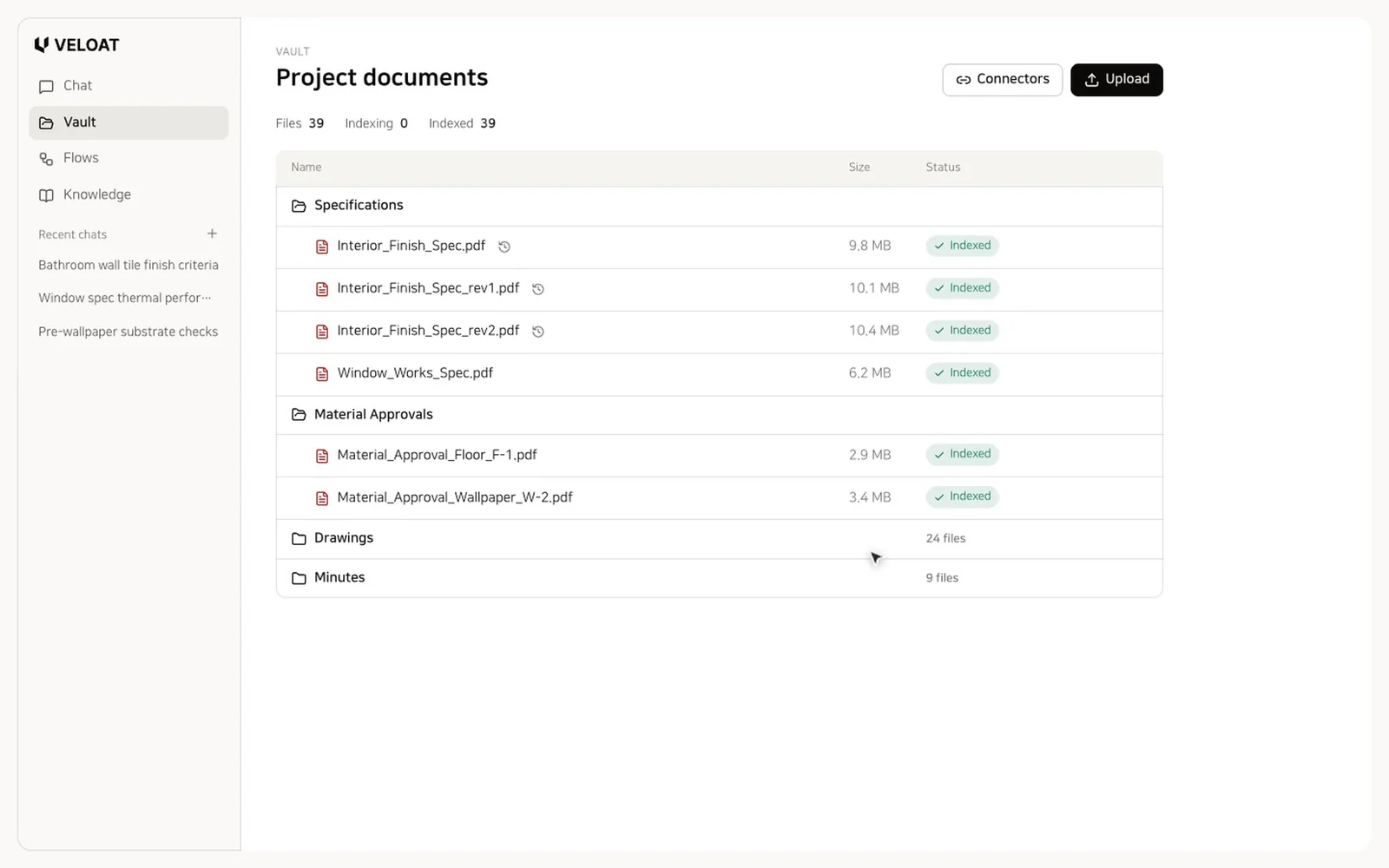
This demo is built on VELOAT, and its models and files are made up.
When one clause in a specification changes, someone has to dig out each approval document to see whether materials already approved still meet the new criteria. Searchdoc finds those documents at once and shows the clauses you need with their sources. The decision stays with your engineer.
01
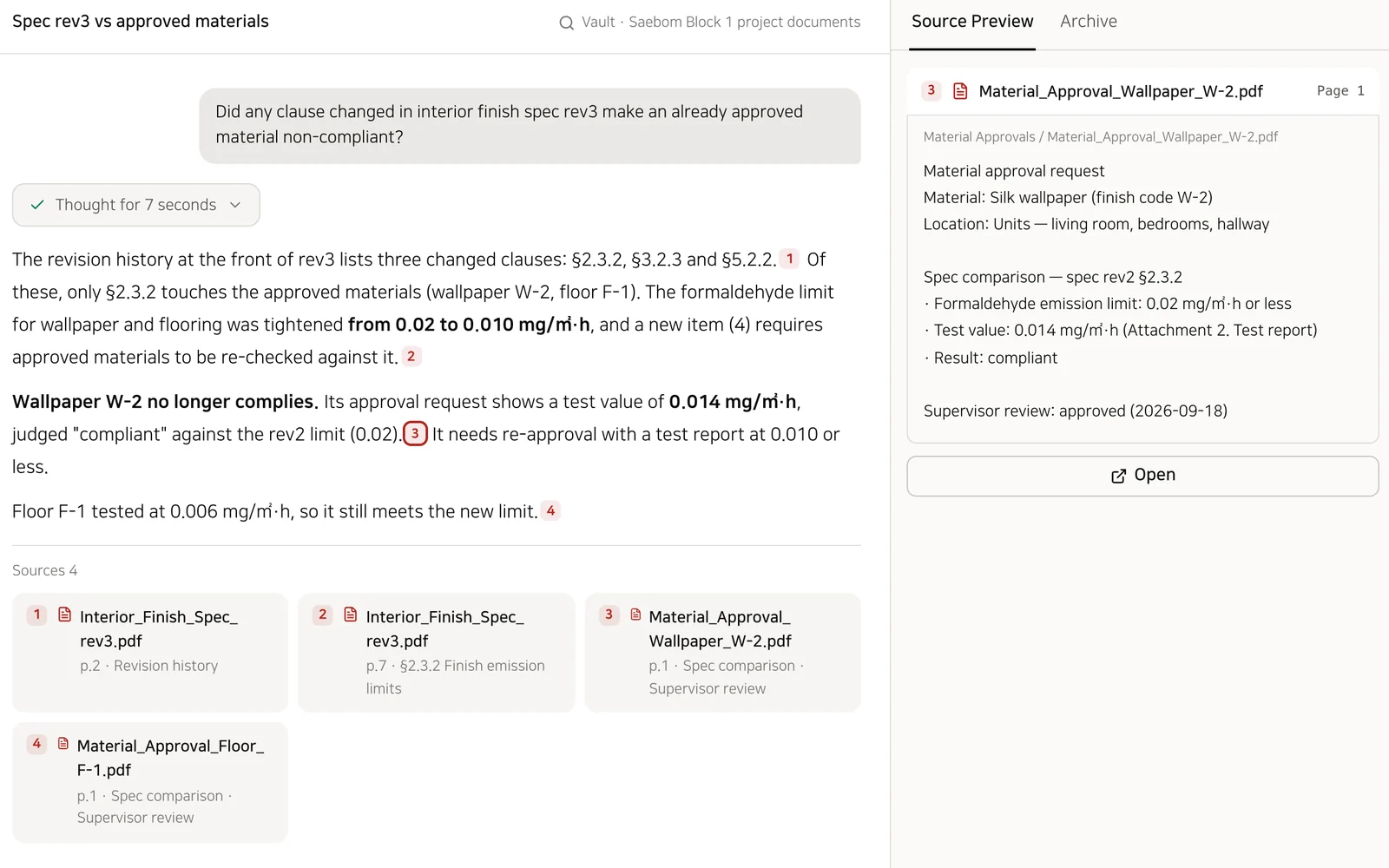
Click a source number to open the original
The right panel shows the file name, path, page and cited text. Click Open to view the PDF from that page.
Source preview
Shows the cited text exactly as written.
English documents, Korean questions
Ask in Korean and still find English specifications and contracts. English text is translated into Korean at indexing, and each question is also searched in English.
02
Upload a folder and it keeps its structure
Drop a project folder and every subfolder uploads as is, with indexing progress on each file. Scanned PDFs are read with OCR, and tables stay tables.
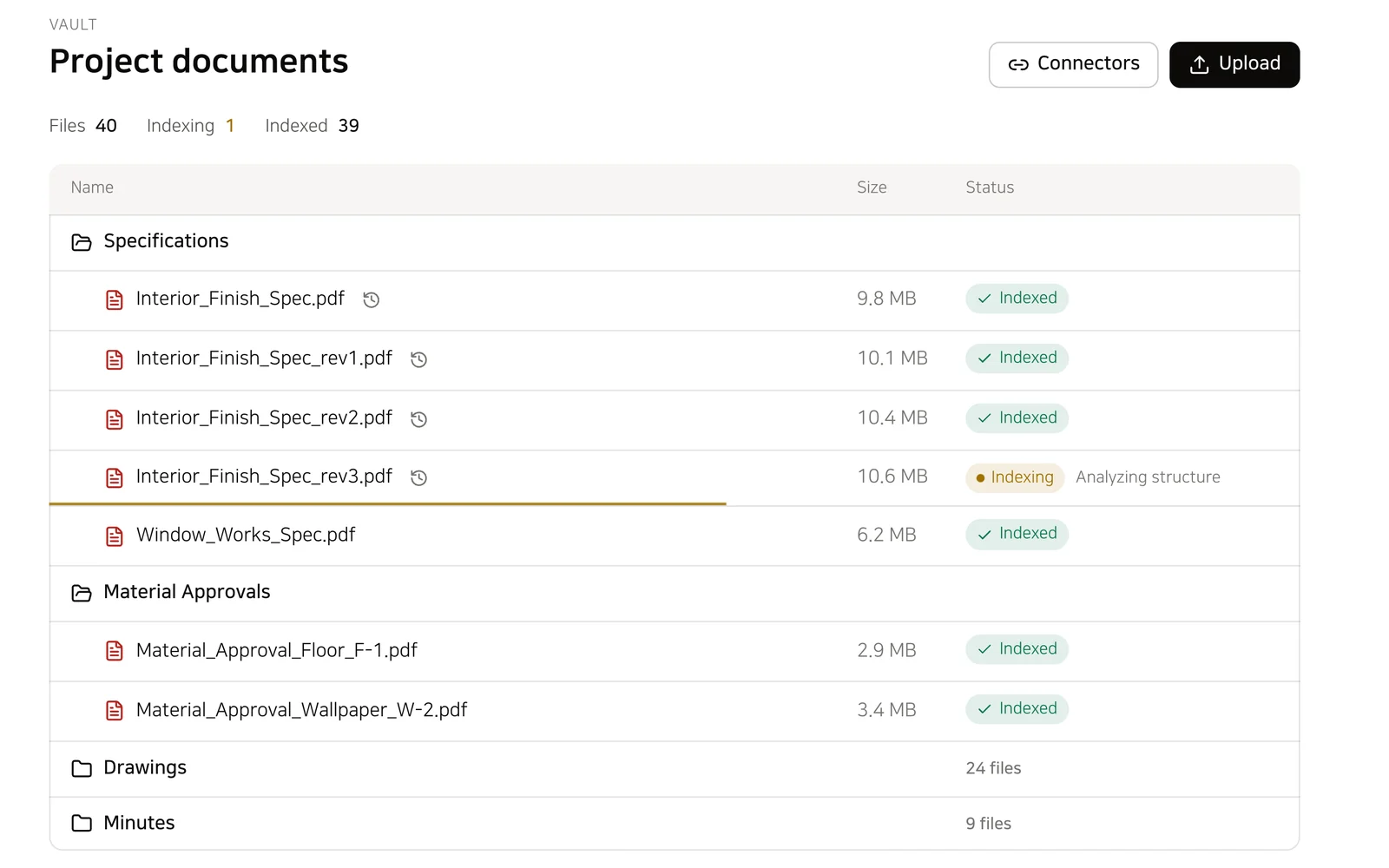
PDF · DWG · RVT · IFC
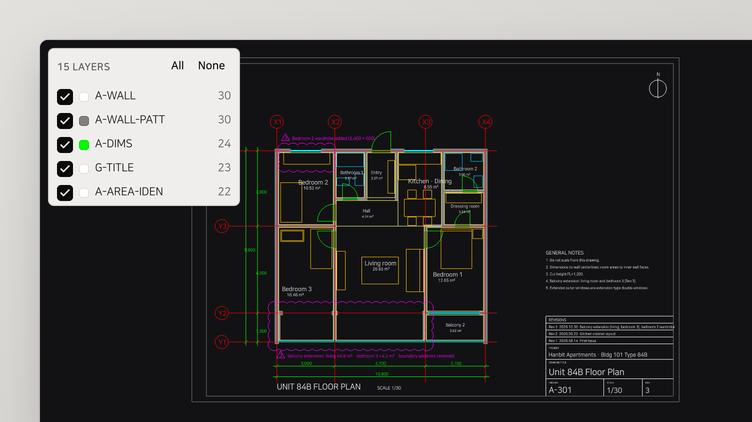
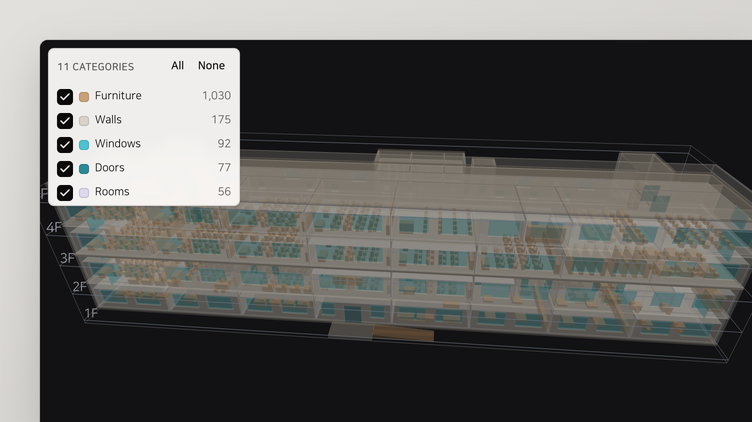
Documents, drawings and BIM models live together in one vault. Up to 150 MB per file.
Autodesk Docs
Connect an Autodesk Docs folder to import it with its structure. When the source changes, the vault follows.
Revision numbers
Upload a revised file to the same path and its revision number goes up.
03
It follows up on what it finds
Once Searchdoc finds the changed clauses in a specification, it goes on to find the related approval documents.
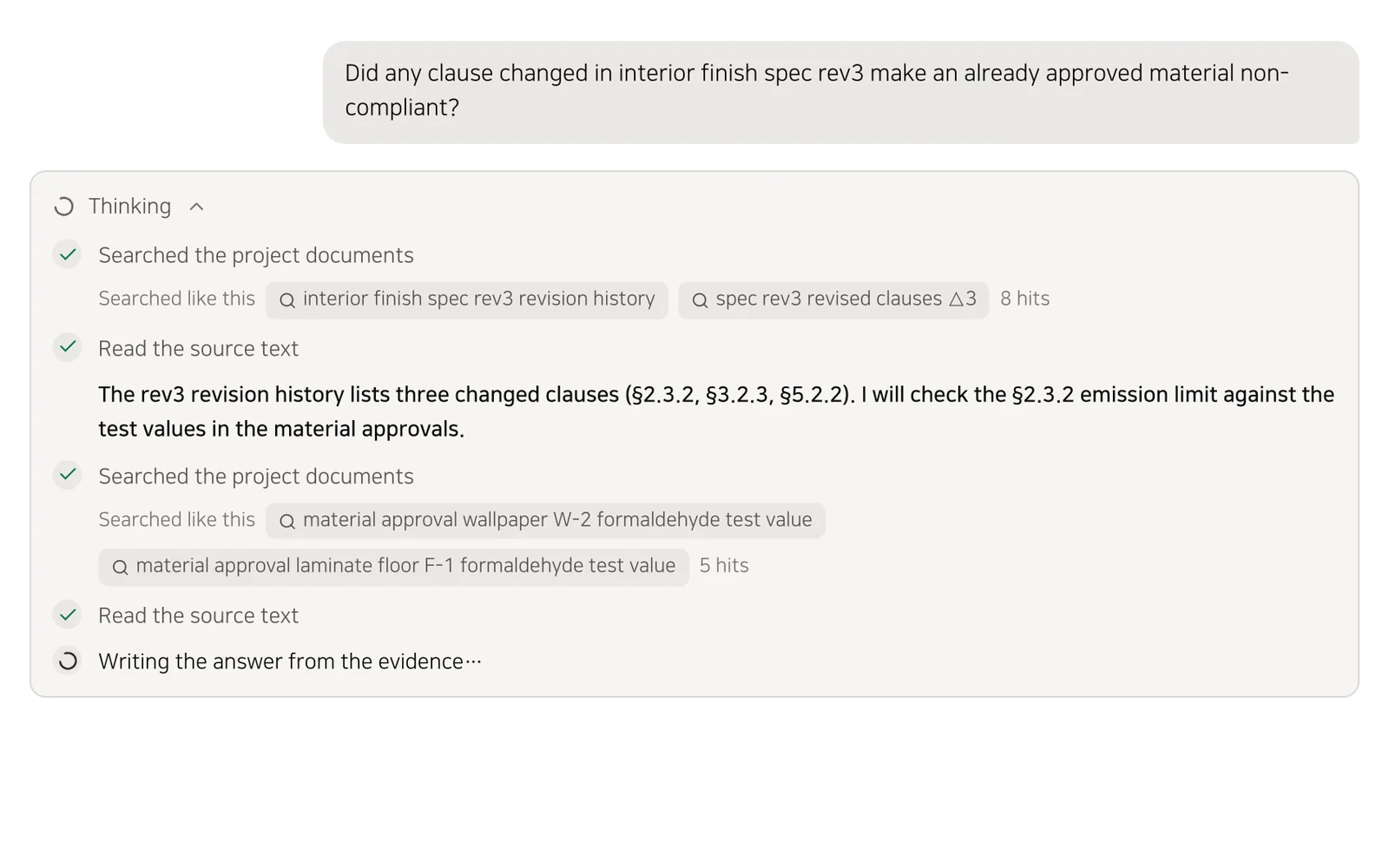
Split queries
One question is split into several search queries, and the thinking panel shows which queries ran and how many results each found.
Glossary
Add your project's abbreviations or alternate spellings to the glossary, and searches include them.
Use cases
How teams use it
Spec revision review
Check whether criteria changed in a revised specification affect materials you already approved.
Example questionDid any clause changed in interior finish spec rev3 make an already approved material non-compliant?
Contract terms
Find approval procedures, notice periods and similar terms in the particular and general conditions.
Example questionFind the design change approval procedure in the subcontract's particular conditions.
Meeting decisions
Check whether schedules and decisions from meetings made it into later documents.
Example questionCheck whether the material delivery schedule agreed at the October 20 progress meeting appears in the construction schedule.
English standards
Find values in English specifications and test reports and summarize them in Korean.
Example questionFind the water and air tightness results and test conditions in the English window test report and summarize them.