
From Files
to Knowledge
Manage project information and its revision history in one place, ready for search and review.
Request a Demo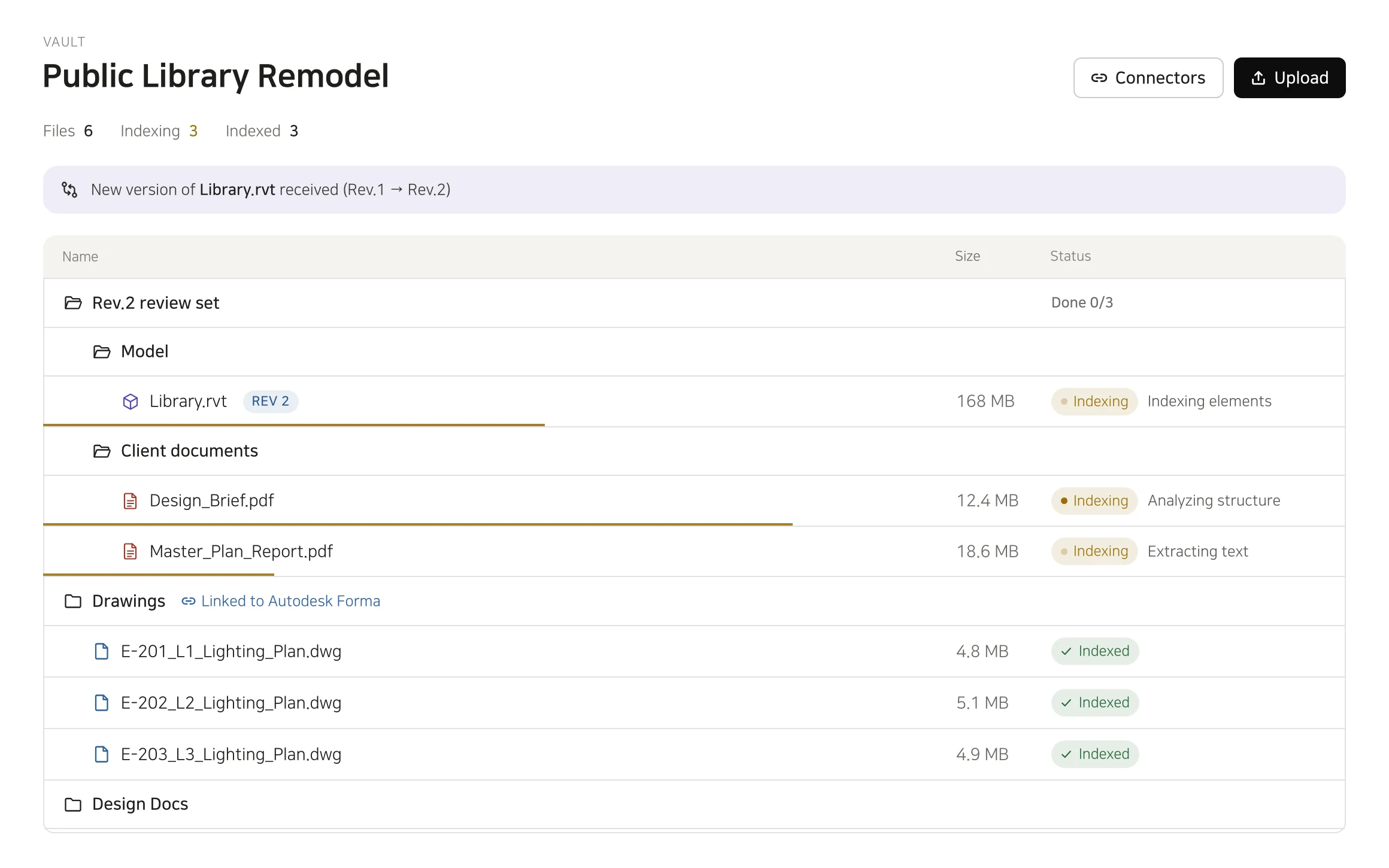
Project knowledge rarely lives in a single file. Vault brings documents, drawings, and models together, preserving their structure and revision history. Your team can find the information it needs, understand what has changed, and review it with a shared context.
Organized for Your Work
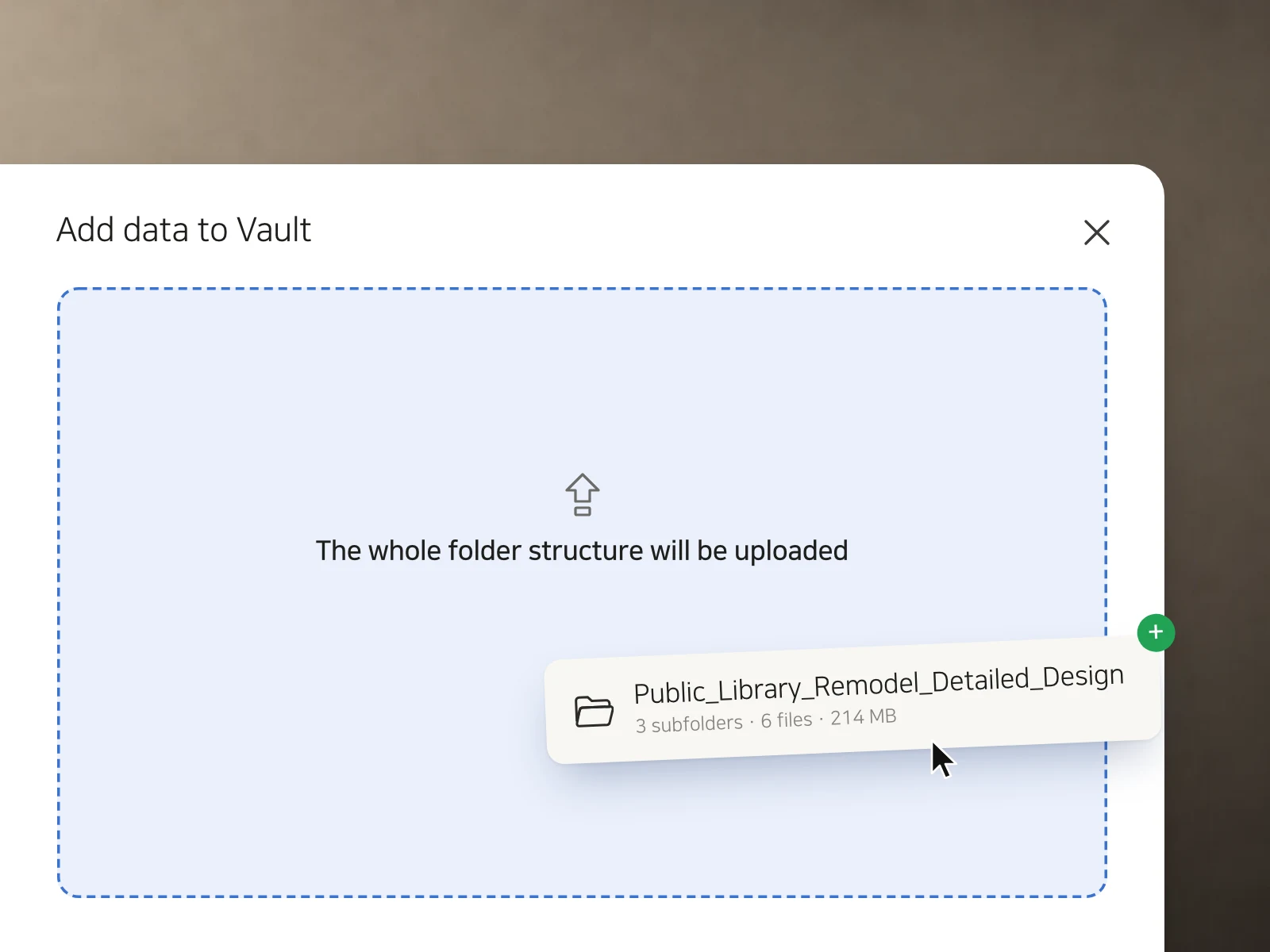
Upload entire project folders and let Vault automatically classify and organize your documents, drawings, and models. There’s no need to separate files by type before uploading.
Clarity Across Revisions
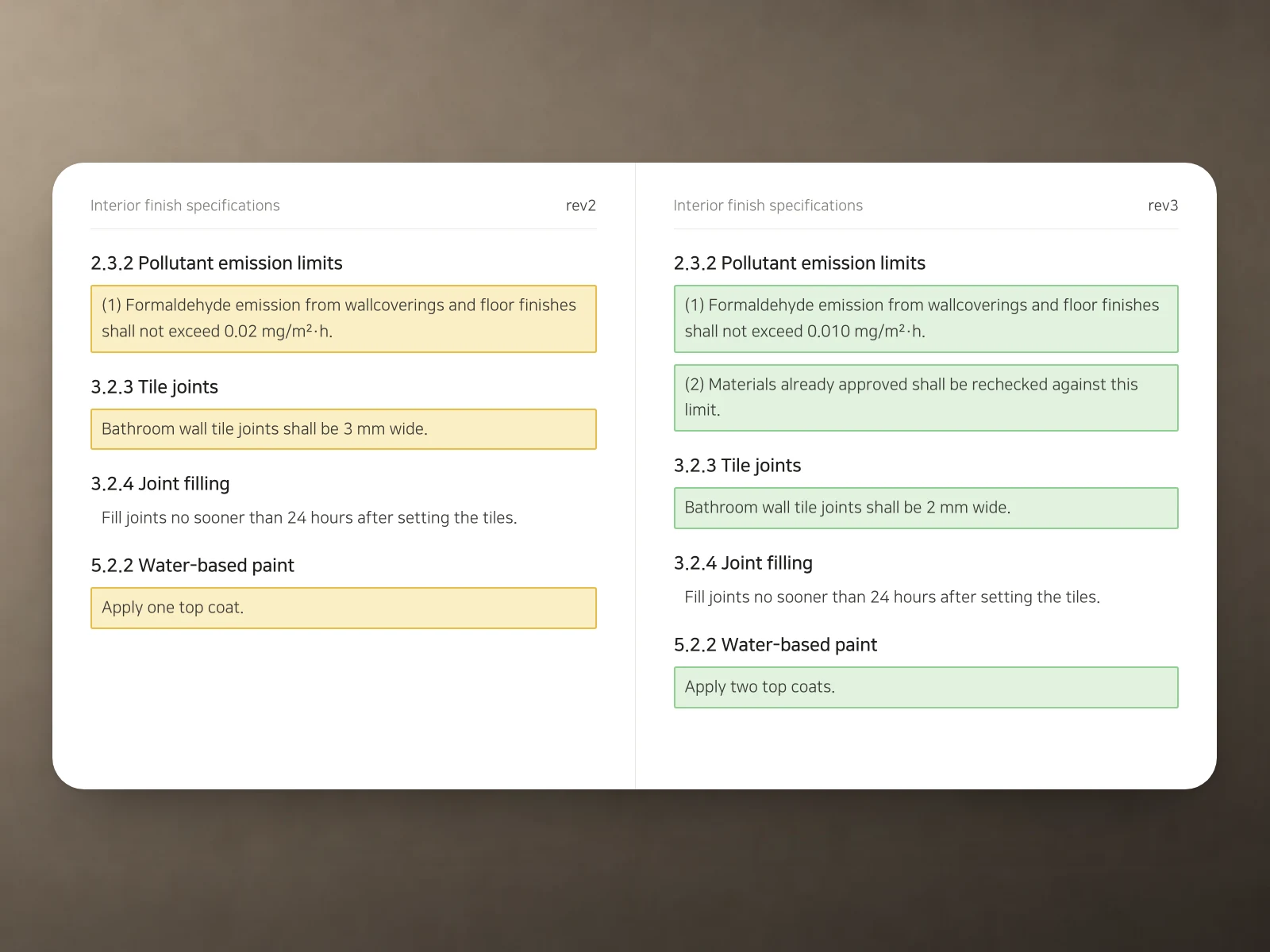
Keep revisions and addenda linked to their source documents. Compare versions to see document edits and model elements that have been added, removed, or modified.
Built Around Your Existing Tools
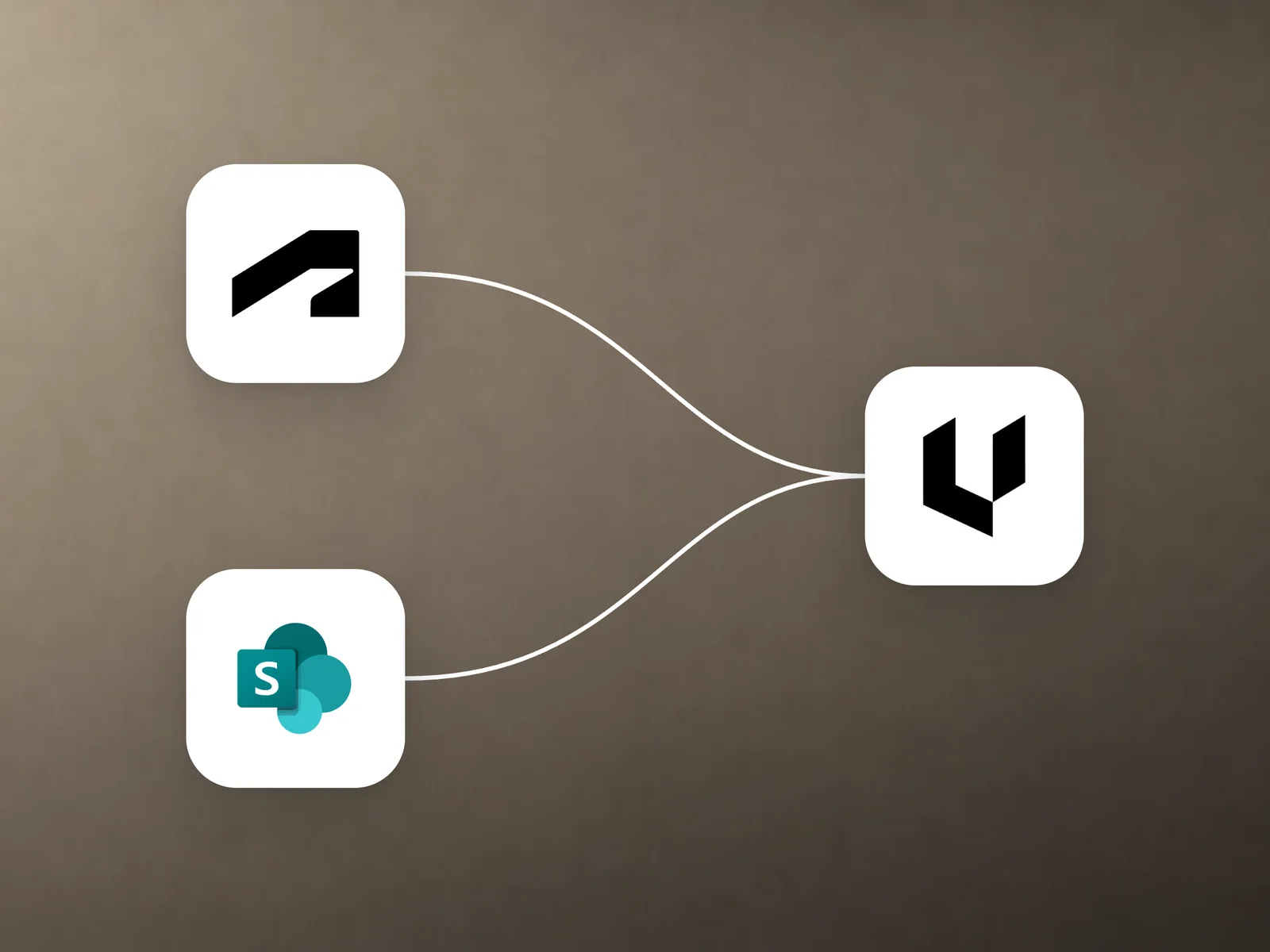
Connect your existing repositories to bring files directly into Vault. Use the information you already have for search and review, without downloading and re-uploading files.